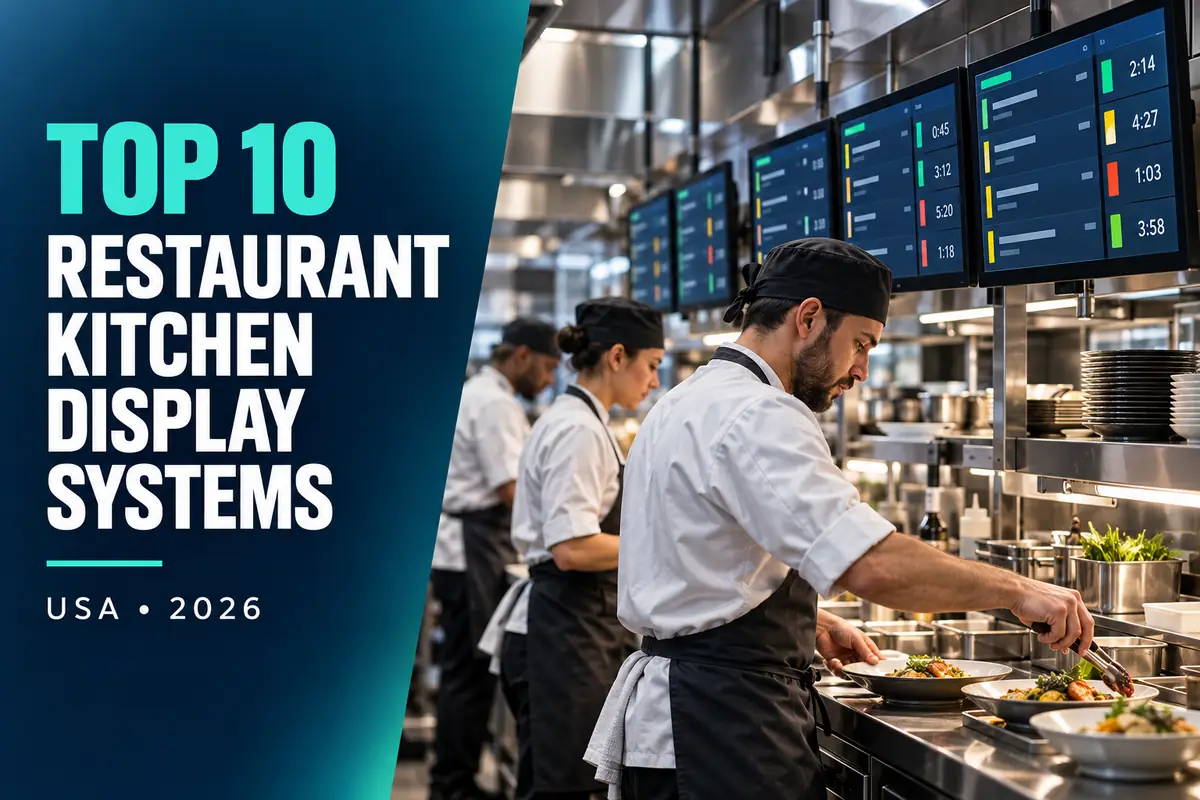
Choosing restaurant kitchen display systems is not a matter of copying another operator’s technology stack. A useful shortlist begins with the restaurant’s service model, locations, transaction volume, existing POS and the exact workflow that needs improvement. This US guide compares ten credible options using public vendor information and practical restaurant buying criteria.
Pricing and editorial disclosure: Prices and plan information were checked on official vendor pages on September 27, 2026. Prices are in US dollars unless another currency is stated. Promotional prices are not treated as normal long-term cost. Quote-only products are labeled instead of being assigned guessed prices. No vendor paid for inclusion or position. The numbering organizes the guide by use case; it is not a universal best-to-worst ranking.
Important: A KDS is operational infrastructure. Test it with rush-hour order volume, modifiers, split stations, internet loss and printer fallback before removing paper tickets.
Top 10 Restaurant Kitchen Display Systems comparison
| Platform | Public price checked | Best fit |
|---|---|---|
| Toast Kitchen Display System | Custom/package pricing | Restaurants using Toast POS |
| Square KDS | Plan/device pricing shown by Square; verify current bundle | Restaurants using Square for Restaurants |
| Lightspeed Kitchen Display System | Custom/package quote | Lightspeed Restaurant customers |
| TouchBistro KDS | Add-on/package pricing; request current quote | Independent full-service restaurants |
| SpotOn KDS | Custom quote | Operators buying an integrated SpotOn stack |
| Fresh KDS | Public tiered plans; verify current price and order limits | POS-flexible smaller operators |
| QSR Automations ConnectSmart Kitchen | Custom quote | High-volume and complex kitchens |
| Oracle MICROS Simphony KDS | Custom quote | Enterprise Oracle restaurant environments |
| Revel Systems KDS | Custom quote | Restaurants using Revel POS |
| Epson TrueOrder KDS | Hardware/software pricing through Epson and resellers | Operators needing configurable hardware-based KDS |
Public prices are useful for screening, but plans are not feature-equivalent. Ask every finalist for a written first-year and renewal-year total using the same locations, users, devices, transactions and integrations.
1. Toast Kitchen Display System — best for restaurants using toast pos
Toast KDS routes orders within its POS ecosystem and supports kitchen timing, station workflows and order-status visibility.
Published pricing: Custom/package pricing. Pricing may exclude taxes, promotions, implementation, hardware, payment processing, messages, integrations and pass-through fees unless explicitly stated by the vendor.
Best for: Restaurants using Toast POS.
Check before buying: Price displays, mounts, bump bars, installation, software, support and backup printers.
2. Square KDS — best for restaurants using square for restaurants
Square KDS connects order tickets and station routing with Square’s restaurant POS and online channels.
Published pricing: Plan/device pricing shown by Square; verify current bundle. Pricing may exclude taxes, promotions, implementation, hardware, payment processing, messages, integrations and pass-through fees unless explicitly stated by the vendor.
Best for: Restaurants using Square for Restaurants.
Check before buying: Confirm per-device fees, required POS plan, compatible hardware and offline operation.
3. Lightspeed Kitchen Display System — best for lightspeed restaurant customers
Lightspeed KDS provides kitchen routing, ticket views and preparation workflows integrated with its restaurant POS.
Published pricing: Custom/package quote. Pricing may exclude taxes, promotions, implementation, hardware, payment processing, messages, integrations and pass-through fees unless explicitly stated by the vendor.
Best for: Lightspeed Restaurant customers.
Check before buying: Ask whether KDS is included, an add-on or per screen; price hardware and installation.
4. TouchBistro KDS — best for independent full-service restaurants
TouchBistro KDS works with its POS to display and route orders, modifiers and ticket timing.
Published pricing: Add-on/package pricing; request current quote. Pricing may exclude taxes, promotions, implementation, hardware, payment processing, messages, integrations and pass-through fees unless explicitly stated by the vendor.
Best for: Independent full-service restaurants.
Check before buying: Verify compatible iPads/screens, per-device licensing, network design and printer fallback.
5. SpotOn KDS — best for operators buying an integrated spoton stack
SpotOn offers kitchen-display capabilities as part of a broader restaurant POS and operations suite.
Published pricing: Custom quote. Pricing may exclude taxes, promotions, implementation, hardware, payment processing, messages, integrations and pass-through fees unless explicitly stated by the vendor.
Best for: Operators buying an integrated SpotOn stack.
Check before buying: Request itemized software, hardware, processing, installation, replacement and support costs.
6. Fresh KDS — best for pos-flexible smaller operators
Fresh KDS offers tablet-based kitchen displays, order routing, timers and integrations with supported ordering systems.
Published pricing: Public tiered plans; verify current price and order limits. Pricing may exclude taxes, promotions, implementation, hardware, payment processing, messages, integrations and pass-through fees unless explicitly stated by the vendor.
Best for: POS-flexible smaller operators.
Check before buying: Confirm connector, screen and monthly order limits plus compatible hardware.
7. QSR Automations ConnectSmart Kitchen — best for high-volume and complex kitchens
ConnectSmart Kitchen is built for advanced routing, timing, capacity and kitchen coordination across enterprise restaurant environments.
Published pricing: Custom quote. Pricing may exclude taxes, promotions, implementation, hardware, payment processing, messages, integrations and pass-through fees unless explicitly stated by the vendor.
Best for: High-volume and complex kitchens.
Check before buying: Include design, licenses, controllers, displays, integration, installation and support in the quote.
8. Oracle MICROS Simphony KDS — best for enterprise oracle restaurant environments
Oracle’s KDS integrates with Simphony for order routing and kitchen operations across complex hospitality estates.
Published pricing: Custom quote. Pricing may exclude taxes, promotions, implementation, hardware, payment processing, messages, integrations and pass-through fees unless explicitly stated by the vendor.
Best for: Enterprise Oracle restaurant environments.
Check before buying: Ask about cloud fees, interfaces, hardware certification, deployment and service partners.
9. Revel Systems KDS — best for restaurants using revel pos
Revel’s kitchen display capability links order entry and kitchen workflows inside its iPad-based restaurant system.
Published pricing: Custom quote. Pricing may exclude taxes, promotions, implementation, hardware, payment processing, messages, integrations and pass-through fees unless explicitly stated by the vendor.
Best for: Restaurants using Revel POS.
Check before buying: Confirm current product availability, device licensing, hardware and contract minimums.
10. Epson TrueOrder KDS — best for operators needing configurable hardware-based kds
Epson TrueOrder combines KDS software and compatible hardware with integration options for POS providers.
Published pricing: Hardware/software pricing through Epson and resellers. Pricing may exclude taxes, promotions, implementation, hardware, payment processing, messages, integrations and pass-through fees unless explicitly stated by the vendor.
Best for: Operators needing configurable hardware-based KDS.
Check before buying: Get a reseller bill of materials covering screens, controllers, licenses, integration and support.
How we evaluated these platforms
ChefPin considered POS compatibility, station routing, modifiers, prep timers, coursing, fulfillment channels, offline behavior, bump devices, reporting and kitchen-grade hardware. We also favored vendors that explain what is included, support exports and make it possible to test the real restaurant workflow before a long contract.
This list mixes restaurant-specific products with broader platforms because the best choice depends on the problem. A specialist tool may deliver a faster setup, while a flexible general system may be less expensive or fit an existing technology stack.
Build a true-cost comparison
Ask each vendor to complete the same cost worksheet:
- Base subscription and the billing unit: company, brand, location, user, device or transaction.
- Required implementation, data migration, configuration and staff training.
- Hardware, replacements, warranties, shipping and installation.
- POS, payroll, accounting, payments, API and other integration charges.
- Usage charges for messages, checks, covers, payouts, orders or payments.
- Contract length, automatic renewal, annual increase, cancellation and data export.
- Support hours, response targets and the price of premium support.
For a restaurant group, calculate cost at today’s size and again at the expected location count in 24 months. A cheap pilot that becomes expensive at scale can create a difficult migration later.
Run a restaurant pilot before signing
Use one representative location for at least two operating cycles. Include a busy shift, a manager handoff, a correction and an internet or device failure where relevant. Let frontline employees complete the workflow without a vendor representative coaching them. Record completion time, errors, manager follow-up and any duplicate entry.
The pilot should answer four questions: Will employees actually use it? Can managers see exceptions quickly? Does it exchange reliable data with the existing stack? Can the restaurant retrieve its own records in a useful format?
If the product touches employees, connect the rollout to a clear job description and onboarding process. ChefPin’s restaurant and hotel job-description template can help define ownership. Operators can also hire chefs and kitchen professionals, while candidates can browse chef and hospitality jobs.
For adjacent technology decisions, compare ChefPin’s restaurant recruitment software guide, US restaurant payroll and HR platforms, restaurant scheduling apps and restaurant employee-training software.
Questions to ask during every demo
- Which quoted features are generally available today rather than on the roadmap?
- What is the exact price for our locations, users, devices and volume after promotions end?
- Which integrations are native, which use third parties and who supports failures?
- Can we export complete records in a documented format without professional services?
- How are permissions, approvals, edits and deletions recorded?
- What happens during internet, payment, POS or device outages?
- What implementation work belongs to the restaurant, and what does the vendor perform?
- Can the vendor provide two references with a similar restaurant format and location count?
Frequently asked questions
What is the best restaurant kitchen display systems for a restaurant?
There is no universal winner. Start with the “best fit” column, eliminate products that cannot integrate with required systems, then compare two or three finalists in a live pilot using the same scorecard.
Should a restaurant choose the least expensive plan?
Not automatically. A lower subscription can cost more if it creates duplicate work, lacks needed controls or adds transaction and integration fees. Compare total cost and measurable operating impact.
How often should restaurant software be reviewed?
Review performance and user access quarterly, and conduct a formal value, security, pricing and renewal review at least 90 days before the contract renews.
Are the prices in this guide guaranteed?
No. They are a dated snapshot of public vendor information. Vendors can change plans, promotions and fees. Obtain a written quote and order form before buying.
Final recommendation
Create a two- or three-vendor shortlist, request like-for-like pricing and run a real-location pilot. Select the platform that employees can use consistently, managers can audit quickly and the business can afford after every required fee—not the product with the longest feature list.