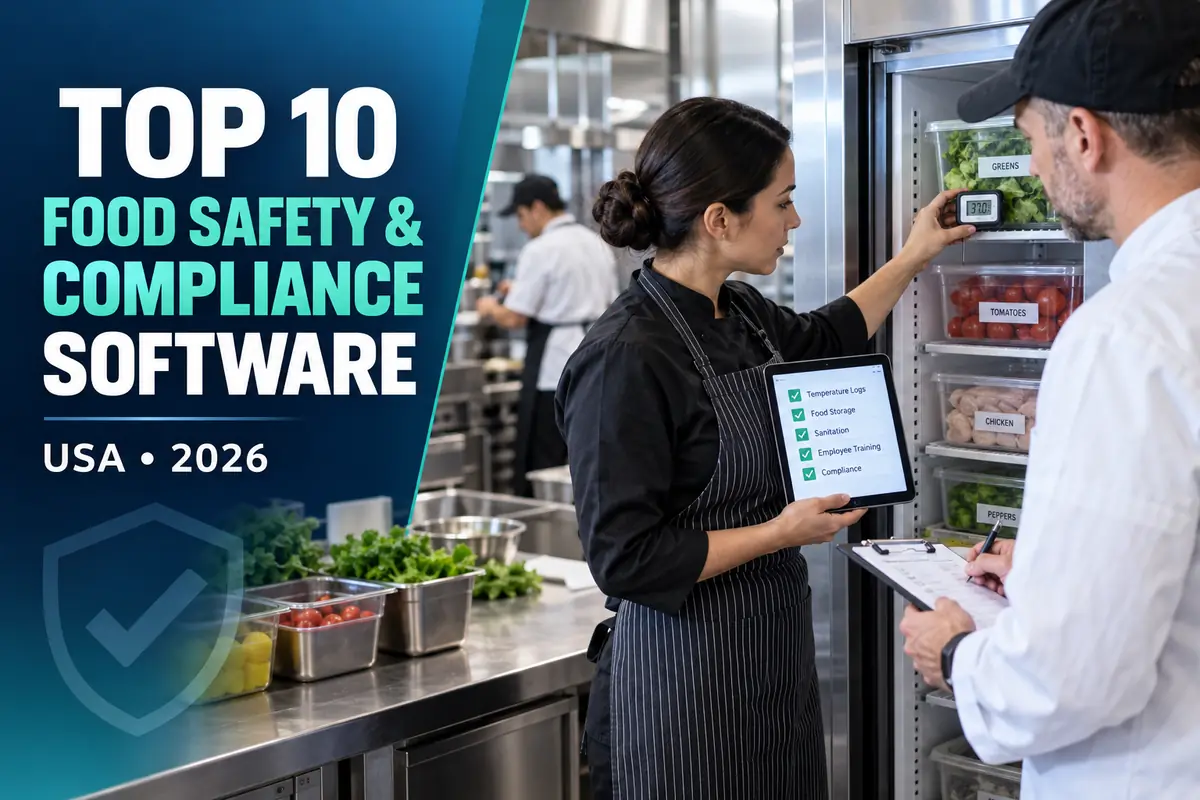
Choosing restaurant food safety and compliance software is not a matter of copying another operator’s technology stack. A useful shortlist begins with the restaurant’s service model, locations, transaction volume, existing POS and the exact workflow that needs improvement. This US guide compares ten credible options using public vendor information and practical restaurant buying criteria.
Pricing and editorial disclosure: Prices and plan information were checked on official vendor pages on September 27, 2026. Prices are in US dollars unless another currency is stated. Promotional prices are not treated as normal long-term cost. Quote-only products are labeled instead of being assigned guessed prices. No vendor paid for inclusion or position. The numbering organizes the guide by use case; it is not a universal best-to-worst ranking.
Important: Software can support a food-safety program, but it does not replace a certified food-protection manager, local health-code advice or the operator’s legal duties.
Top 10 Restaurant Food Safety and Compliance Software Platforms comparison
| Platform | Public price checked | Best fit |
|---|---|---|
| SafetyCulture | Free up to 10 seats; Premium $24/full seat/month and Lite from $5/seat/month, billed annually | Flexible inspections, training and task workflows |
| FoodDocs | Lite $99/site/month; Standard $199; Professional $299, with lower annual equivalents | HACCP plans and food-safety records |
| Jolt | Custom quote | Restaurant checklists, labels and accountability |
| ComplianceMate | Custom quote | Automated temperature monitoring |
| Squadle | Custom quote | Connected food-safety operations |
| SmartSense | Custom quote | Enterprise sensing and compliance |
| Trail | From £38/month on published plans; confirm US billing | Simple daily operations and compliance checks |
| Navitas Safety | Custom quote | Managed food-safety programs |
| CrunchTime | Custom quote | Multi-unit restaurant operations |
| MeazureUp | Custom quote | Audits and brand-standard inspections |
Public prices are useful for screening, but plans are not feature-equivalent. Ask every finalist for a written first-year and renewal-year total using the same locations, users, devices, transactions and integrations.
1. SafetyCulture — best for flexible inspections, training and task workflows
SafetyCulture combines mobile inspections, issue reporting, actions, training and asset records. Restaurants can digitize opening, closing, cooling, cleaning and manager-verification checks.
Published pricing: Free up to 10 seats; Premium $24/full seat/month and Lite from $5/seat/month, billed annually. Pricing may exclude taxes, promotions, implementation, hardware, payment processing, messages, integrations and pass-through fees unless explicitly stated by the vendor.
Best for: Flexible inspections, training and task workflows.
Check before buying: Map managers and frontline users to Full or Lite seats; confirm sensor and integration costs.
2. FoodDocs — best for haccp plans and food-safety records
FoodDocs centers on digital food-safety management, including HACCP planning, monitoring logs, tasks and traceable records for inspections.
Published pricing: Lite $99/site/month; Standard $199; Professional $299, with lower annual equivalents. Pricing may exclude taxes, promotions, implementation, hardware, payment processing, messages, integrations and pass-through fees unless explicitly stated by the vendor.
Best for: HACCP plans and food-safety records.
Check before buying: Confirm plan limits, onboarding, sensor compatibility and whether each kitchen counts as a site.
3. Jolt — best for restaurant checklists, labels and accountability
Jolt combines task lists, food-safety logs, information libraries, labeling and operational controls in a restaurant-oriented system.
Published pricing: Custom quote. Pricing may exclude taxes, promotions, implementation, hardware, payment processing, messages, integrations and pass-through fees unless explicitly stated by the vendor.
Best for: Restaurant checklists, labels and accountability.
Check before buying: Request line-item prices for software, label printers, temperature probes, setup and each location.
4. ComplianceMate — best for automated temperature monitoring
ComplianceMate focuses on wireless temperature monitoring, handheld checks, alerts and centralized compliance records for foodservice operations.
Published pricing: Custom quote. Pricing may exclude taxes, promotions, implementation, hardware, payment processing, messages, integrations and pass-through fees unless explicitly stated by the vendor.
Best for: Automated temperature monitoring.
Check before buying: Price sensors, gateways, calibration, installation, connectivity, warranties and software separately.
5. Squadle — best for connected food-safety operations
Squadle supports digital checklists, temperature capture, alerts and multi-site visibility designed for restaurant and foodservice teams.
Published pricing: Custom quote. Pricing may exclude taxes, promotions, implementation, hardware, payment processing, messages, integrations and pass-through fees unless explicitly stated by the vendor.
Best for: Connected food-safety operations.
Check before buying: Ask which probes, sensors, integrations and reporting features are included in the proposal.
6. SmartSense — best for enterprise sensing and compliance
SmartSense combines environmental monitoring, connected sensors, corrective workflows and analytics for distributed food operations.
Published pricing: Custom quote. Pricing may exclude taxes, promotions, implementation, hardware, payment processing, messages, integrations and pass-through fees unless explicitly stated by the vendor.
Best for: Enterprise sensing and compliance.
Check before buying: Clarify hardware ownership, connectivity, monitoring, calibration, implementation and renewal terms.
7. Trail — best for simple daily operations and compliance checks
Trail turns recurring procedures into mobile workflows and can help independent operators standardize food-safety and operating checks.
Published pricing: From £38/month on published plans; confirm US billing. Pricing may exclude taxes, promotions, implementation, hardware, payment processing, messages, integrations and pass-through fees unless explicitly stated by the vendor.
Best for: Simple daily operations and compliance checks.
Check before buying: Confirm USD pricing, location limits, support hours, exports and integration availability.
8. Navitas Safety — best for managed food-safety programs
Navitas offers digital food-safety tools alongside consultancy, training, sensors and compliance support.
Published pricing: Custom quote. Pricing may exclude taxes, promotions, implementation, hardware, payment processing, messages, integrations and pass-through fees unless explicitly stated by the vendor.
Best for: Managed food-safety programs.
Check before buying: Separate the software subscription from consultancy, hardware, installation, training and audits.
9. CrunchTime — best for multi-unit restaurant operations
CrunchTime’s operations products support restaurant tasks, audits and standardized execution across larger groups and franchises.
Published pricing: Custom quote. Pricing may exclude taxes, promotions, implementation, hardware, payment processing, messages, integrations and pass-through fees unless explicitly stated by the vendor.
Best for: Multi-unit restaurant operations.
Check before buying: Confirm whether food-safety workflows, sensors and analytics require separate modules or services.
10. MeazureUp — best for audits and brand-standard inspections
MeazureUp provides mobile audits, action plans, photo evidence and multi-location performance reporting useful for compliance and brand checks.
Published pricing: Custom quote. Pricing may exclude taxes, promotions, implementation, hardware, payment processing, messages, integrations and pass-through fees unless explicitly stated by the vendor.
Best for: Audits and brand-standard inspections.
Check before buying: Ask about location minimums, form building, reviewer permissions, API access and implementation.
How we evaluated these platforms
ChefPin considered HACCP workflows, corrective actions, temperature records, sensor support, audit trails, training, multi-location reporting and data export. We also favored vendors that explain what is included, support exports and make it possible to test the real restaurant workflow before a long contract.
This list mixes restaurant-specific products with broader platforms because the best choice depends on the problem. A specialist tool may deliver a faster setup, while a flexible general system may be less expensive or fit an existing technology stack.
Build a true-cost comparison
Ask each vendor to complete the same cost worksheet:
- Base subscription and the billing unit: company, brand, location, user, device or transaction.
- Required implementation, data migration, configuration and staff training.
- Hardware, replacements, warranties, shipping and installation.
- POS, payroll, accounting, payments, API and other integration charges.
- Usage charges for messages, checks, covers, payouts, orders or payments.
- Contract length, automatic renewal, annual increase, cancellation and data export.
- Support hours, response targets and the price of premium support.
For a restaurant group, calculate cost at today’s size and again at the expected location count in 24 months. A cheap pilot that becomes expensive at scale can create a difficult migration later.
Run a restaurant pilot before signing
Use one representative location for at least two operating cycles. Include a busy shift, a manager handoff, a correction and an internet or device failure where relevant. Let frontline employees complete the workflow without a vendor representative coaching them. Record completion time, errors, manager follow-up and any duplicate entry.
The pilot should answer four questions: Will employees actually use it? Can managers see exceptions quickly? Does it exchange reliable data with the existing stack? Can the restaurant retrieve its own records in a useful format?
If the product touches employees, connect the rollout to a clear job description and onboarding process. ChefPin’s restaurant and hotel job-description template can help define ownership. Operators can also hire chefs and kitchen professionals, while candidates can browse chef and hospitality jobs.
For adjacent technology decisions, compare ChefPin’s restaurant recruitment software guide, US restaurant payroll and HR platforms, restaurant scheduling apps and restaurant employee-training software.
Questions to ask during every demo
- Which quoted features are generally available today rather than on the roadmap?
- What is the exact price for our locations, users, devices and volume after promotions end?
- Which integrations are native, which use third parties and who supports failures?
- Can we export complete records in a documented format without professional services?
- How are permissions, approvals, edits and deletions recorded?
- What happens during internet, payment, POS or device outages?
- What implementation work belongs to the restaurant, and what does the vendor perform?
- Can the vendor provide two references with a similar restaurant format and location count?
Frequently asked questions
What is the best restaurant food safety and compliance software for a restaurant?
There is no universal winner. Start with the “best fit” column, eliminate products that cannot integrate with required systems, then compare two or three finalists in a live pilot using the same scorecard.
Should a restaurant choose the least expensive plan?
Not automatically. A lower subscription can cost more if it creates duplicate work, lacks needed controls or adds transaction and integration fees. Compare total cost and measurable operating impact.
How often should restaurant software be reviewed?
Review performance and user access quarterly, and conduct a formal value, security, pricing and renewal review at least 90 days before the contract renews.
Are the prices in this guide guaranteed?
No. They are a dated snapshot of public vendor information. Vendors can change plans, promotions and fees. Obtain a written quote and order form before buying.
Final recommendation
Create a two- or three-vendor shortlist, request like-for-like pricing and run a real-location pilot. Select the platform that employees can use consistently, managers can audit quickly and the business can afford after every required fee—not the product with the longest feature list.